
✅ Built for shops • kiosks • small and medium businesses
Run sales, stock, customers, receipts track dues & monitor profitability variants — from your phone.
mPocket POS helps you manage daily sales, track inventory, record expenses, and generate reports. Print receipts using Bluetooth pairing or Wi-Fi printing for supported printers.
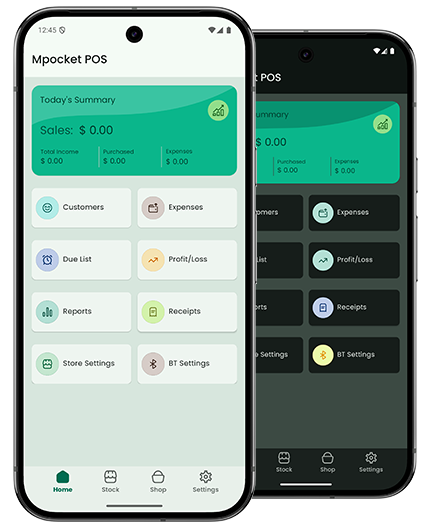
Sell Faster
Quick cart, discounts, tax handling, and clean receipts.
- Fast checkout flow
- Supports partial payment / credit
- Receipt history
Track Stock
Know what’s in stock and what’s selling.
- Low-stock awareness
- Stock adjustments
- Sales-linked inventory
Understand Profit
Reports to guide smarter decisions.
- Daily / weekly / monthly reports
- Expenses tracking
- Export summaries
Printer Connectivity
Pair with supported printers using Bluetooth or connect via Wi-Fi to print receipts and reports.
Bluetooth pairing
Wi-Fi discovery
Connection stability
Test print
Data & Security
Your business data is stored securely and used only to provide core features and improvements.
Customer Support
We provide best customer support experience.
- Problem solving abilities
- Clear Communications
- Time Management
App Screenshots
A quick look at mPocket POS: dashboard, sales flow, receipts, inventory, and reports.
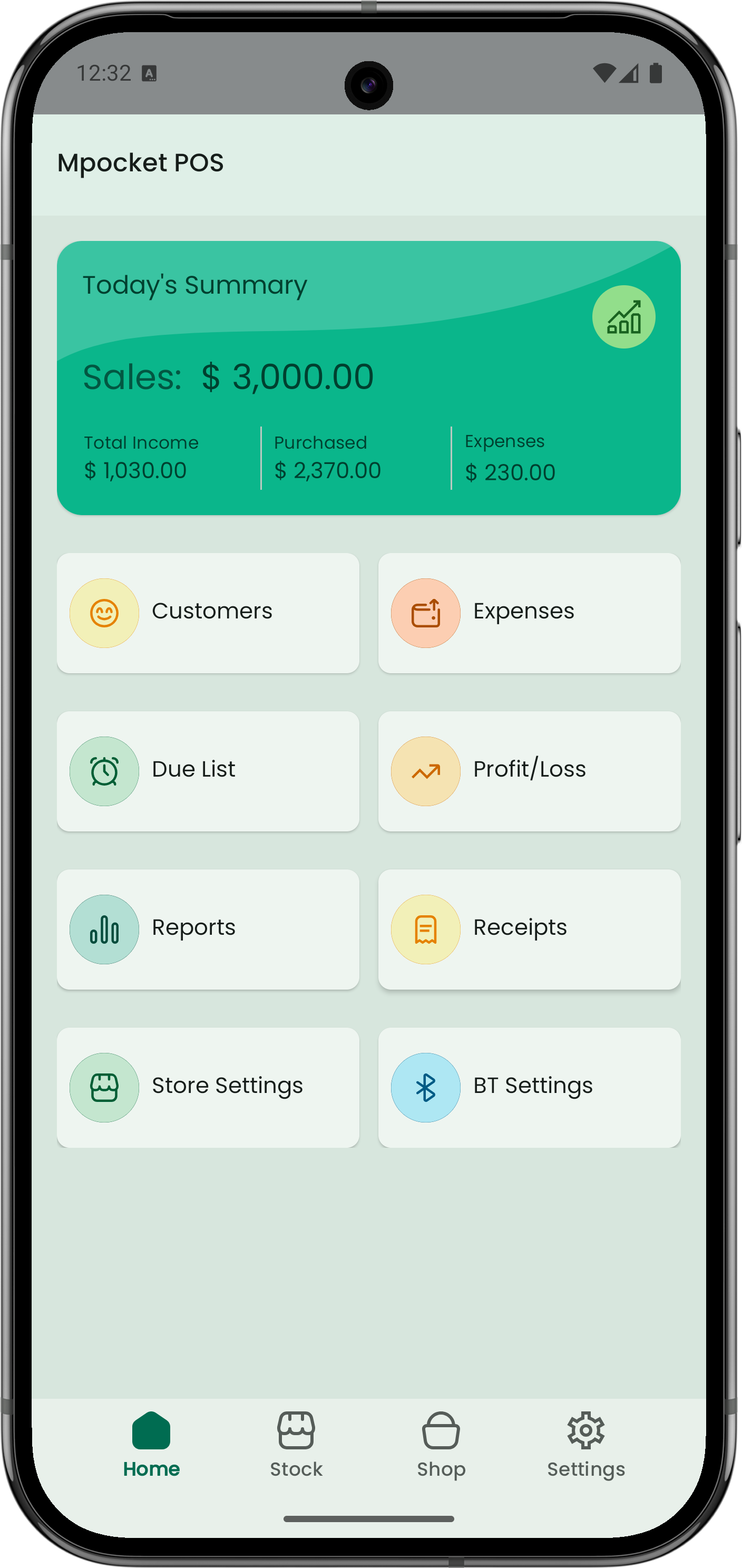
Dashboard overview
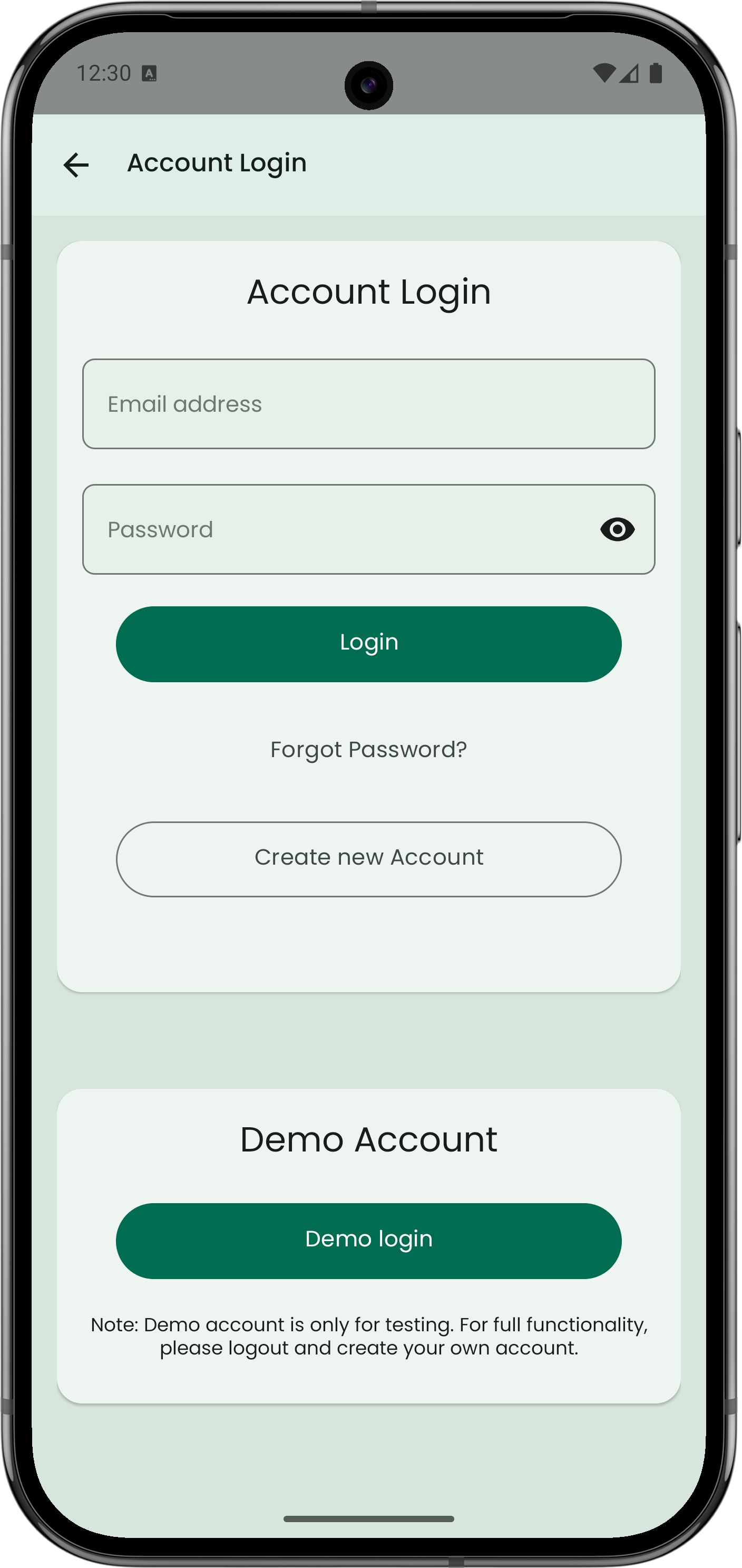
Account setup flow
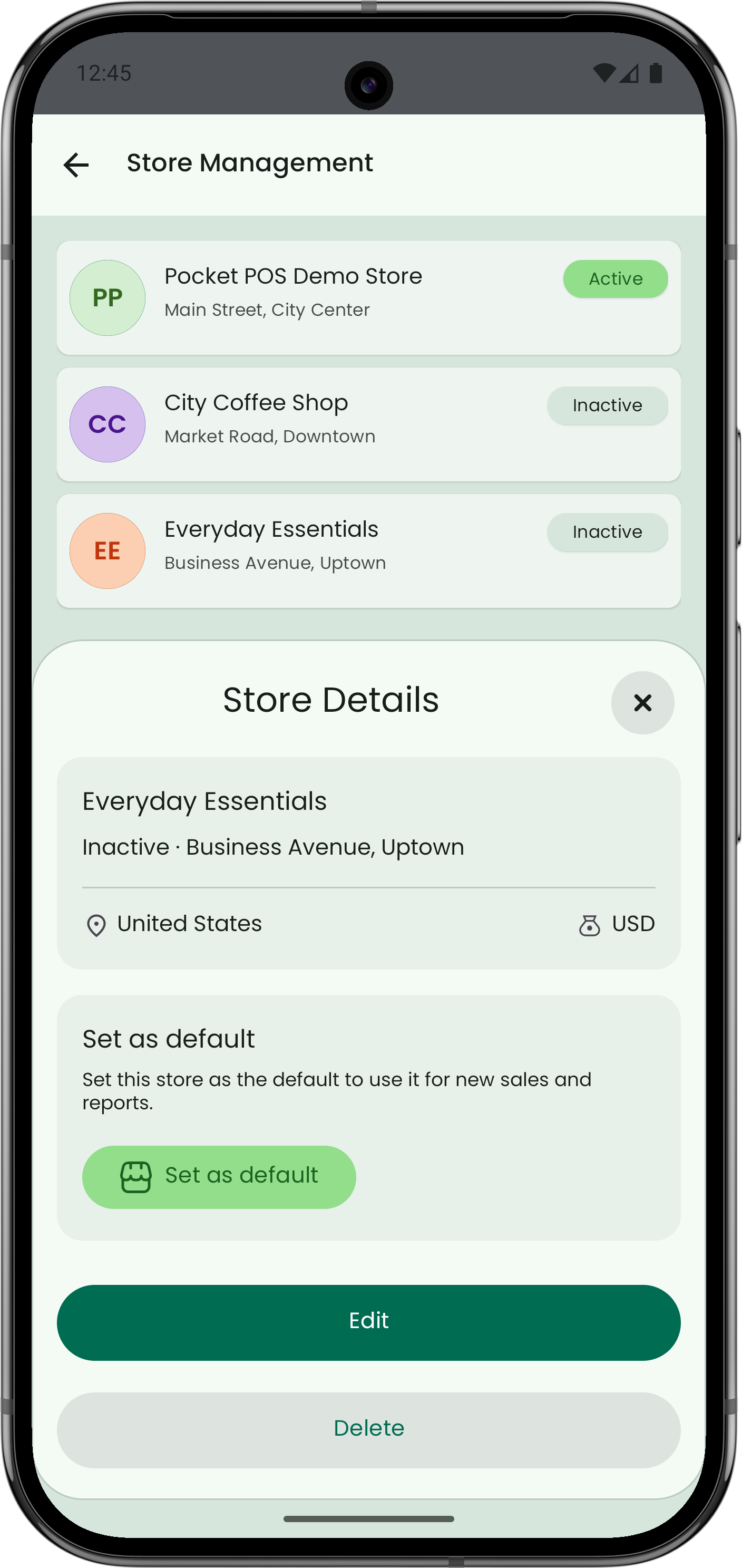
Store setup flow
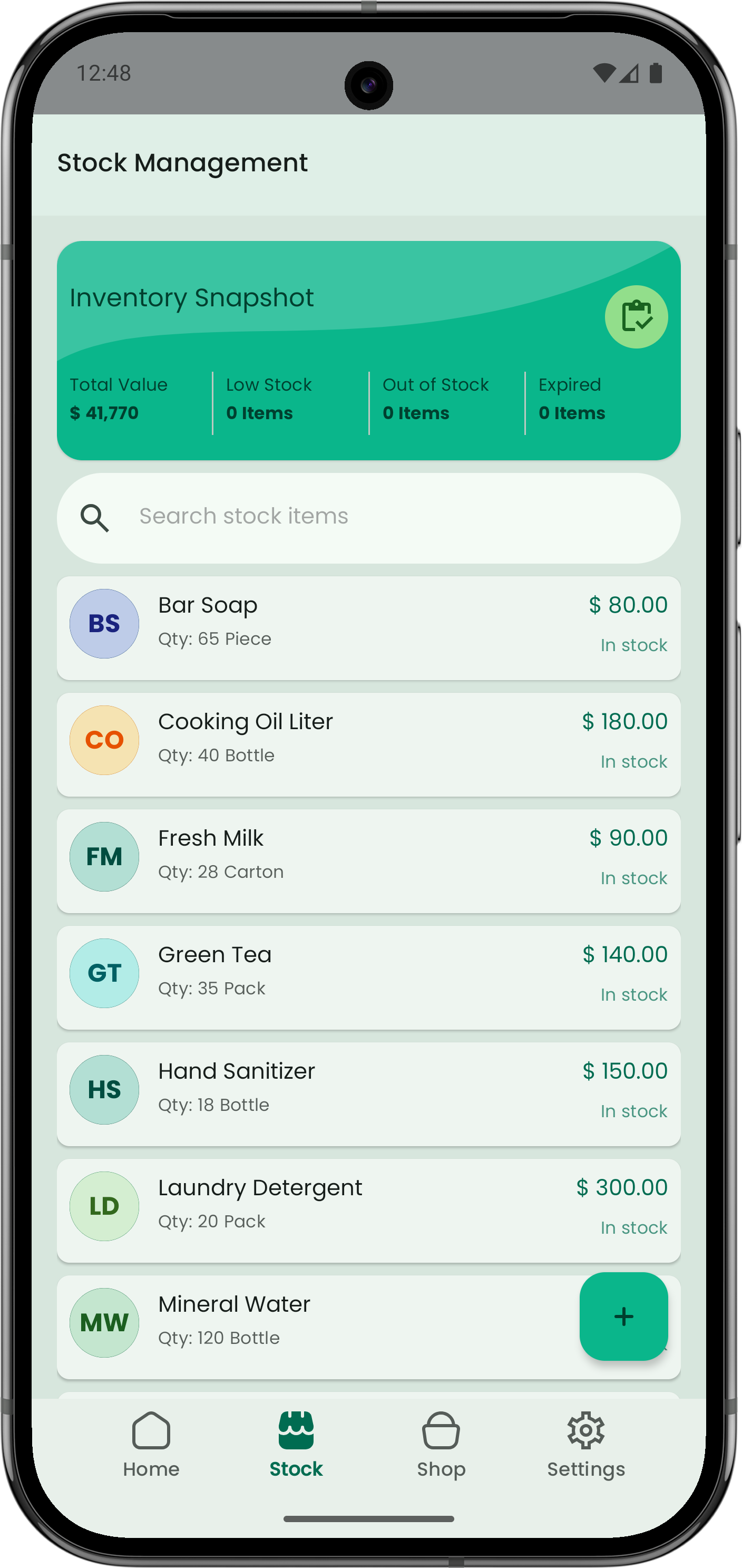
Stock & inventory
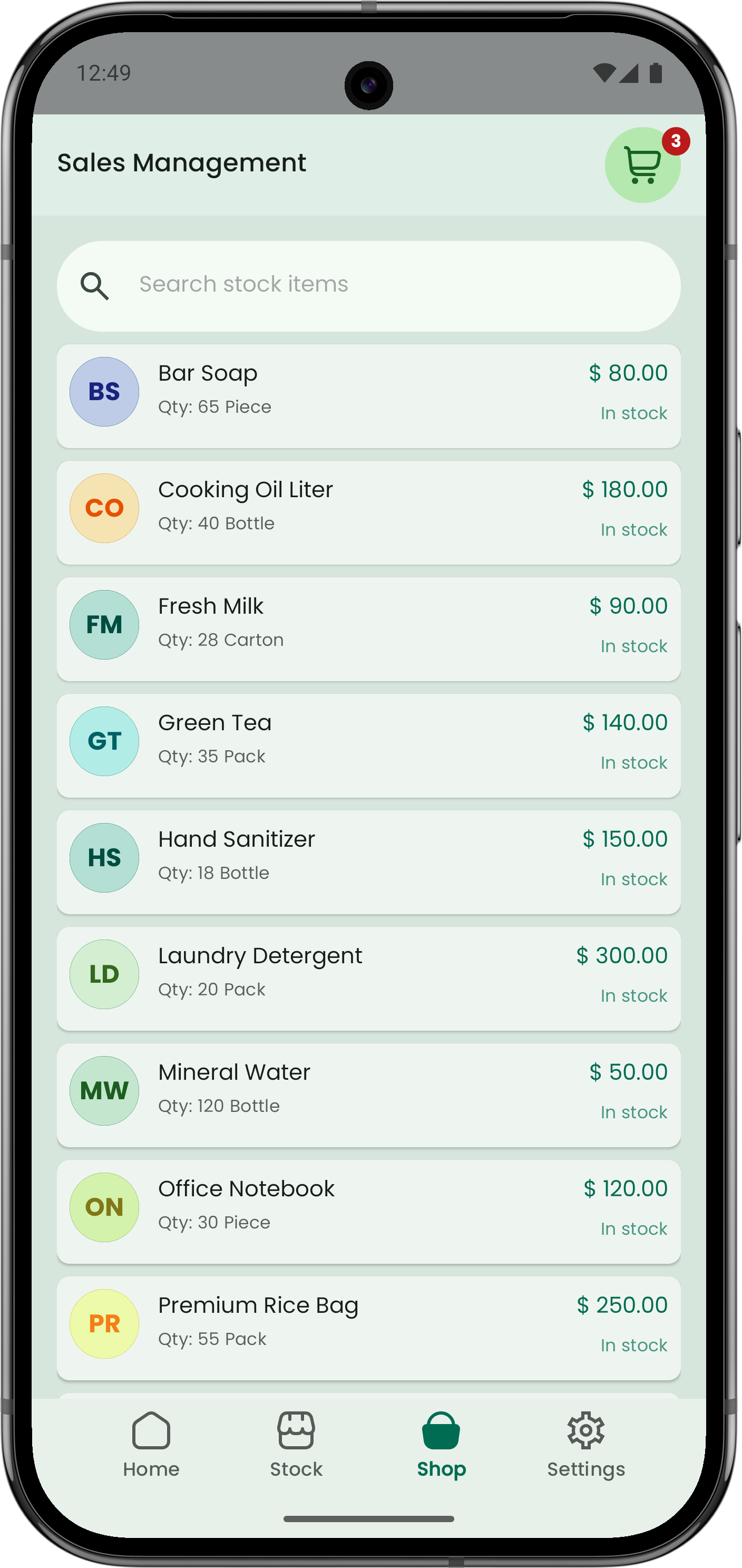
Sales flow
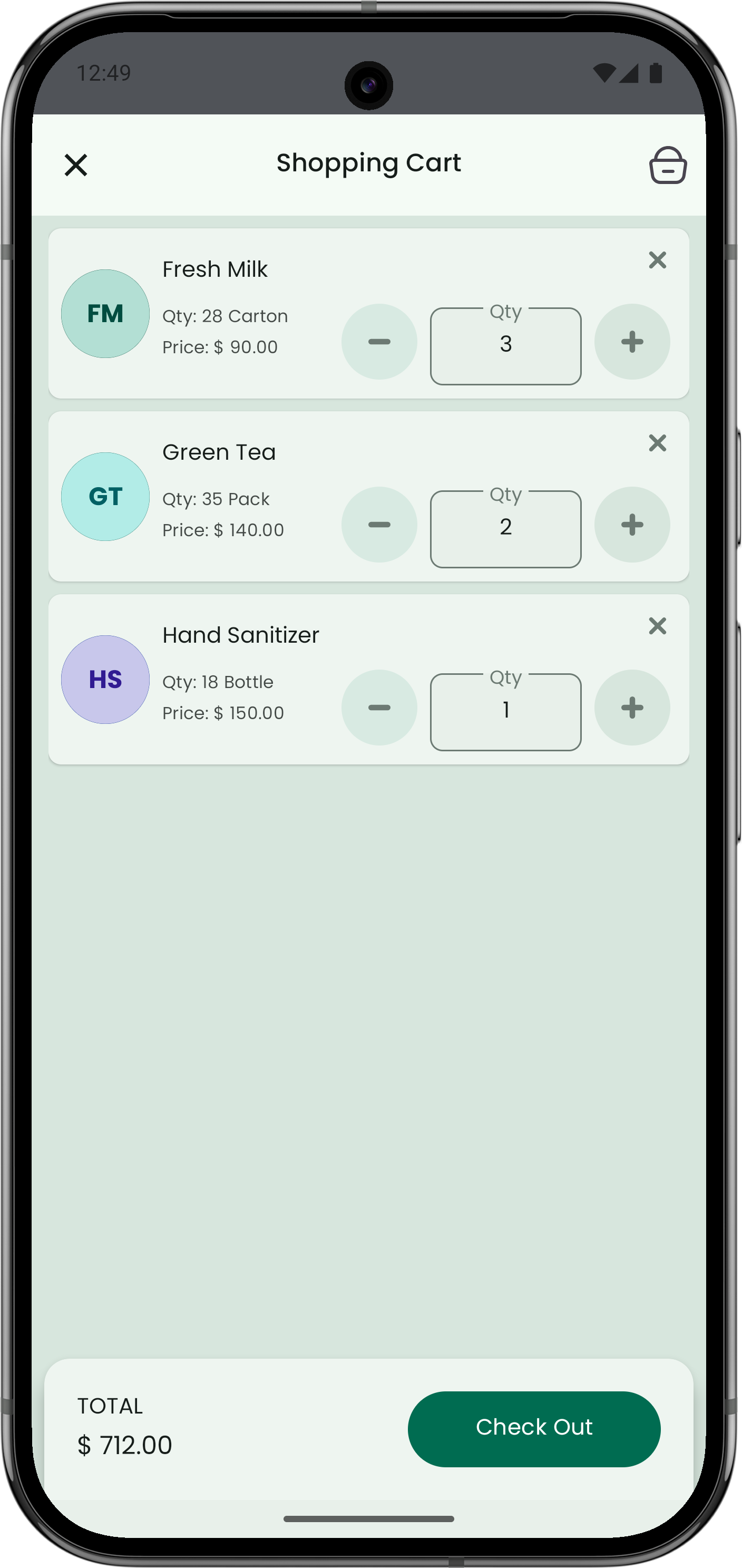
Cart flow
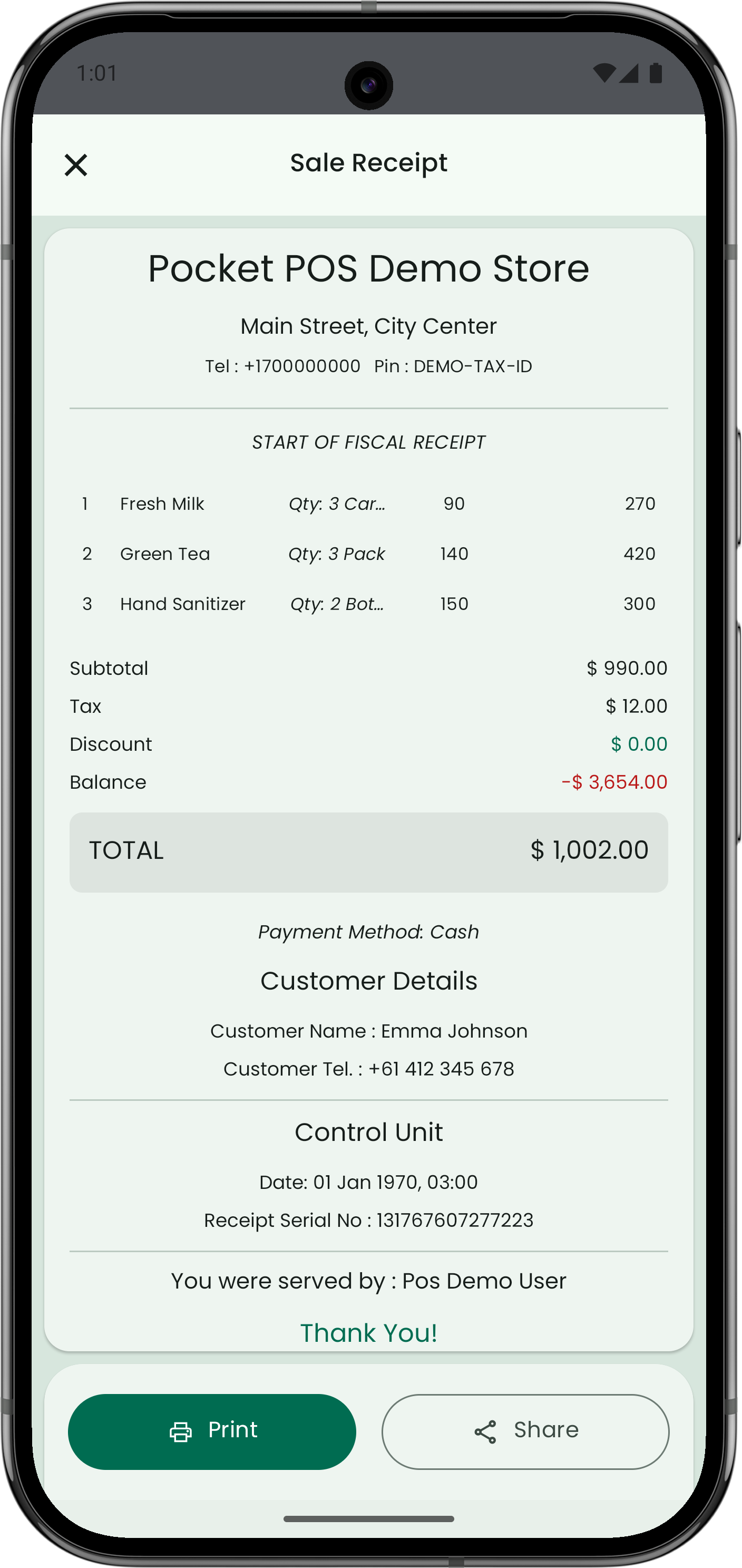
Receipt preview (print/share)
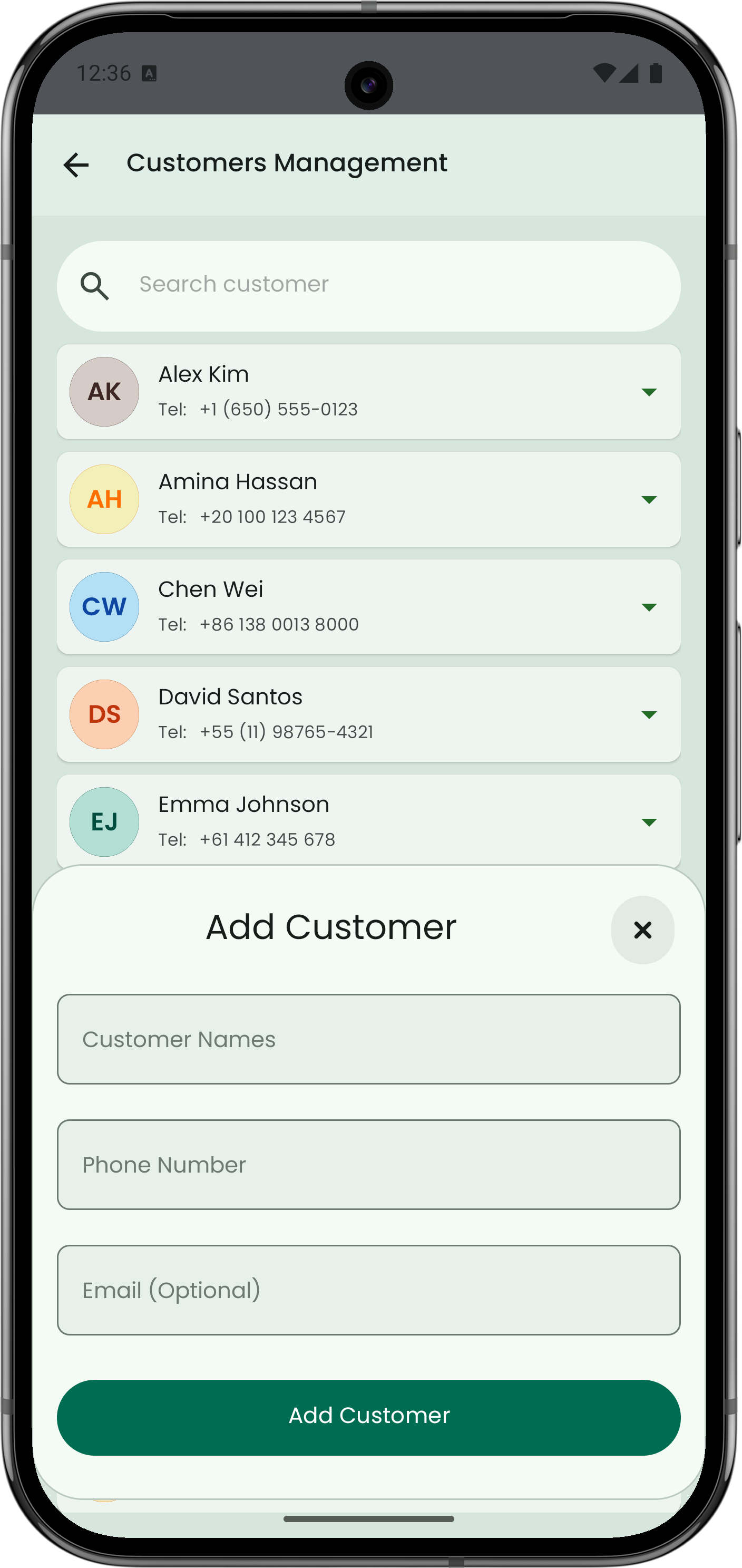
Customers preview
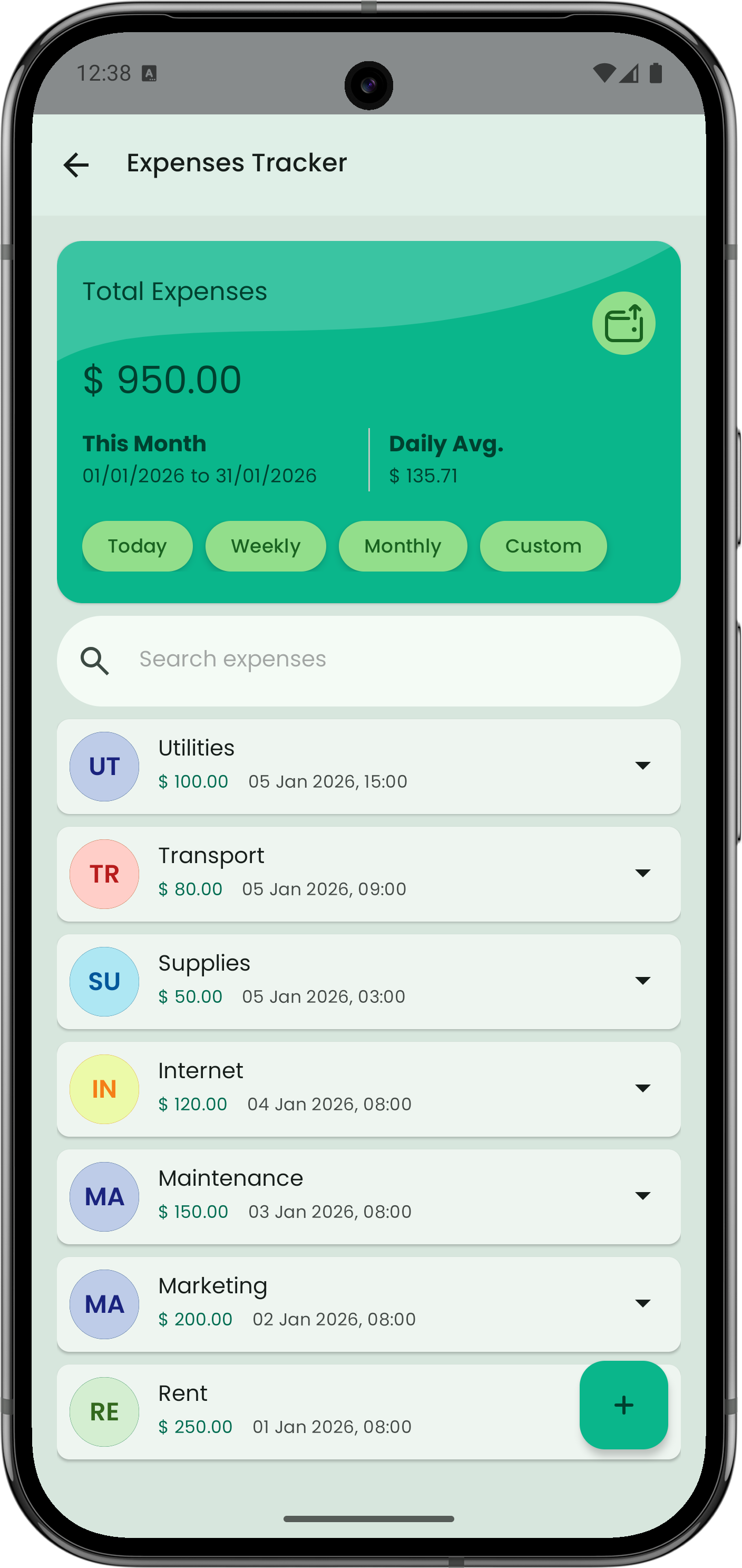
Expenses preview
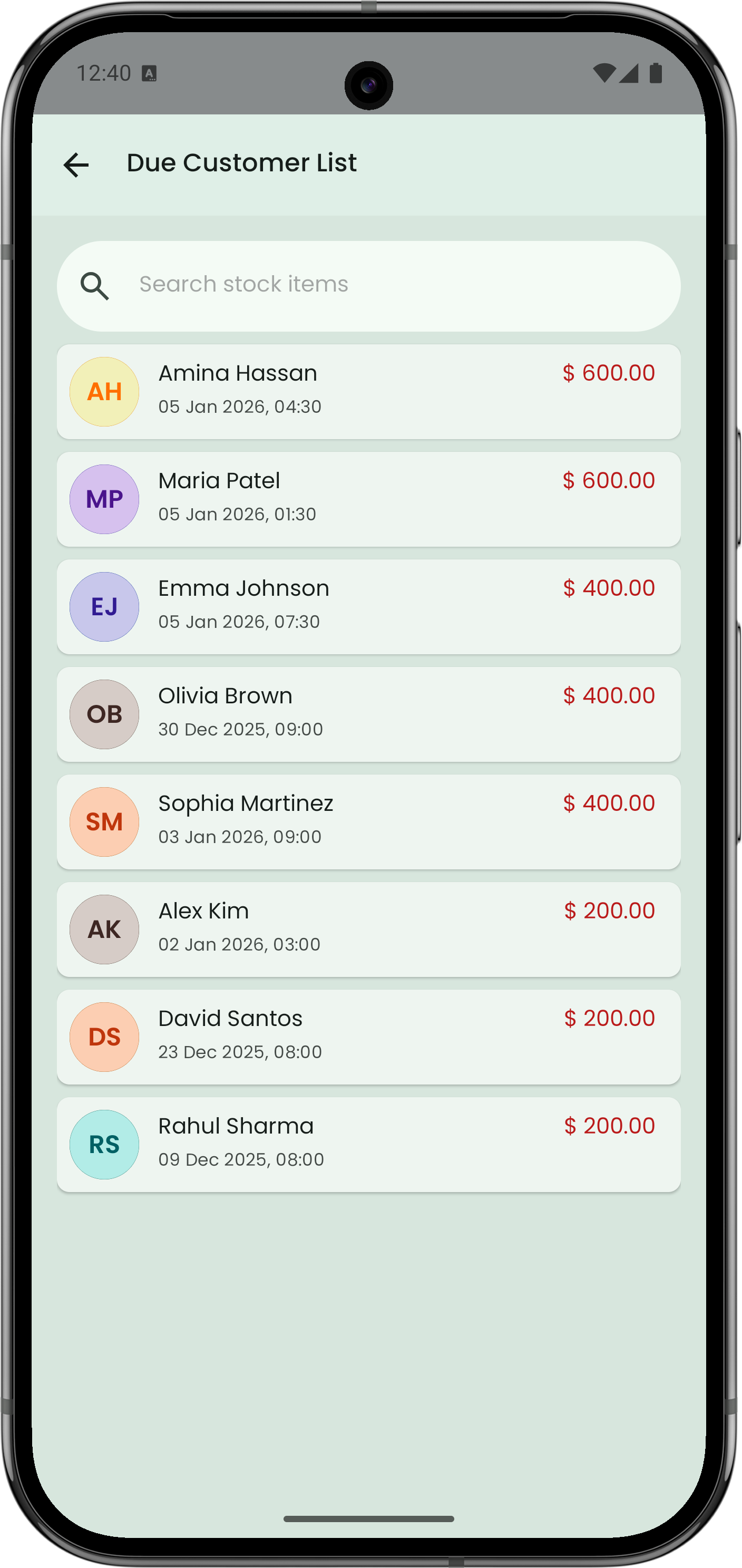
Dues preview
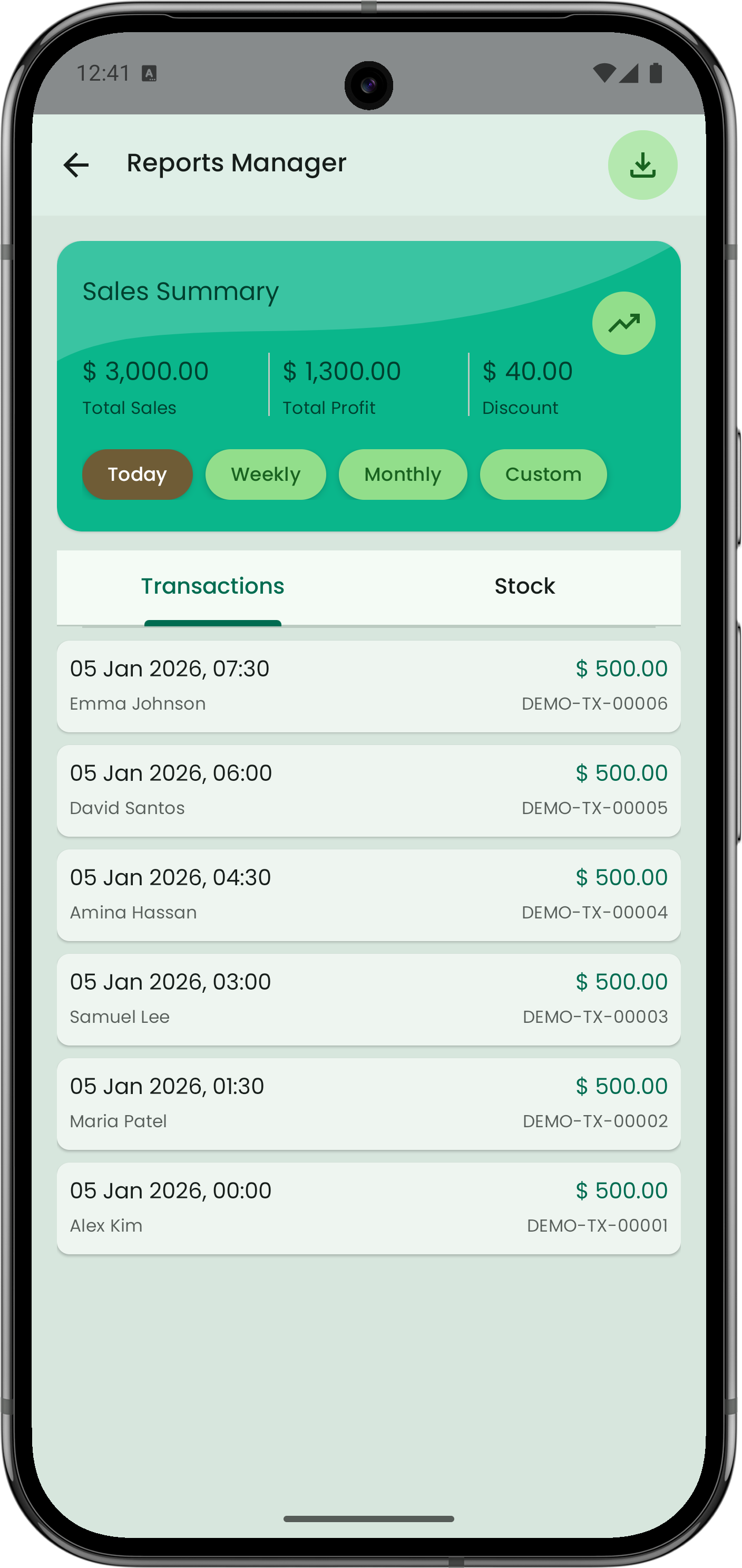
Reports & summaries